Slurp guides
Video downloading and live stream guides for Mac
Learn the underlying workflow first, or jump straight to the source you use. The goal is the same: understand what is available before you save it.
Understand the job, not just the site.
These guides explain the general Mac workflow and the streaming technology underneath it.
 Mac video downloader
What should a video downloader actually do?
How to judge source support, quality, privacy, maintenance and limits.
Read the guideGeneral workflowFrom an online video to a local Mac file.
Copy the item link, analyze it, choose the output and save it locally.
Read the guideLive recordingRecord media while it is still happening.
Why live recording differs from downloading a completed video.
Read the guideHLS & M3U8Understand playlists, segments and quality variants.
How HLS video downloads and live recordings work on a Mac.
Read the guideUse the guide for the link in front of you.
Source-specific steps and limitations for the services Slurp handles most explicitly today.
 YouTube Video & audio
Save a YouTube video for later.
How to download YouTube videos on a Mac.
Read the guide Instagram Reels & video posts
Keep an Instagram Reel on your Mac.
How to download Instagram videos on a Mac.
Read the guide TikTok Clips & audio
Save a TikTok clip beyond the feed.
How to download TikTok videos on a Mac.
Read the guide Twitch Live recording
Keep a live moment as it happens.
How to record a Twitch live stream on a Mac.
Read the guide Snapchat Public Spotlight & shares
Save a public Snapchat video.
How to download Snapchat videos on a Mac.
Read the guideStart with your next download.
Paste your link, choose the video or audio you want, and save it to your Mac.
Paste a link.
See what you can save.
Slurp is a native macOS app for downloading supported online videos and recording live streams. Paste a supported link into New, then press Return to see the video, audio, subtitle or live-recording choices Slurp can actually access.
These guides describe Slurp 1.x. Formats, quality and account requirements depend on the source. Each guide includes practical steps and the limits worth knowing.
Watch the interactive walkthrough →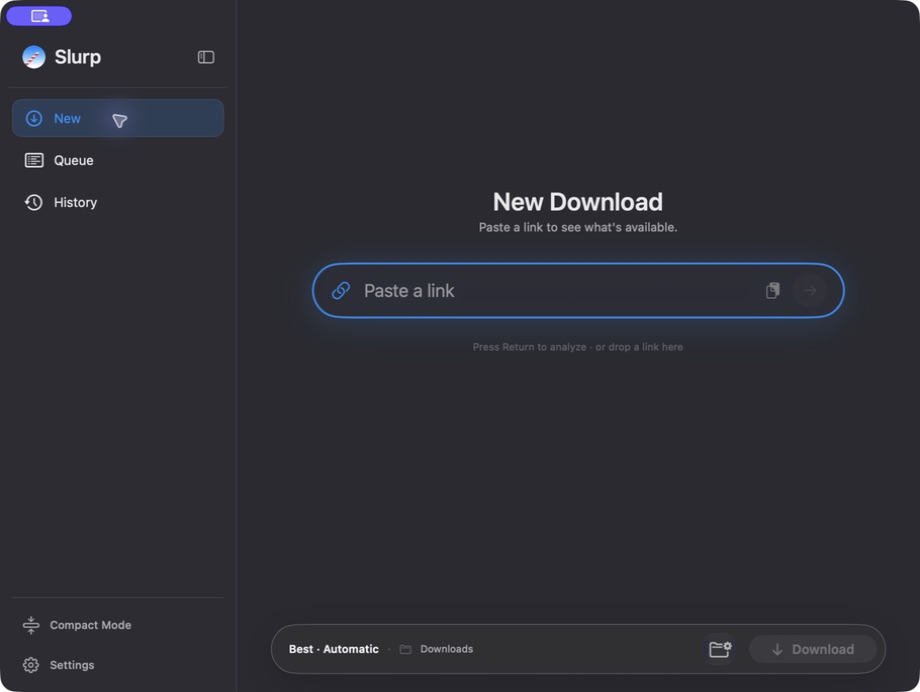
Pay once or stay up to date.
Individual costs €19.99 once for a permanent Slurp 1.x license, including 1.x updates. Future major upgrades are optional at €9.99 each.
Or choose €9.99/year for all updates and major upgrades while subscribed. Downloading and recording stop when the paid period ends; saved files stay on your Mac.
Compare all three plansYour downloads stay yours.
Media goes from its source to your Mac. Slurp does not collect your download links, download history or app usage analytics. Licensing, updates and payments still use network services.
Read how privacy worksTry it with a video of your own.
Every feature is included for seven days, starting with your first successful download or live recording. No card required.
Apple silicon M1 or later · macOS 14 or later